
准备工作
- 实验会创建一个 Google Cloud 项目和一些资源,供您使用限定的一段时间
- 实验有时间限制,并且没有暂停功能。如果您中途结束实验,则必须重新开始。
- 在屏幕左上角,点击开始实验即可开始

In this lab, you will open a notebook environment to practice using functions and other syntax to import and parse text files in Python. You’ll be presented with a security scenario to explore throughout the lab. You’ll prepare a security log file for analysis and create a text file with IP addresses that are allowed to access restricted information.
Let's test our knowledge by playing around with some text files!
You'll need to start the lab before you can access the materials. To do this, click the green “Start Lab” button at the top of the screen.
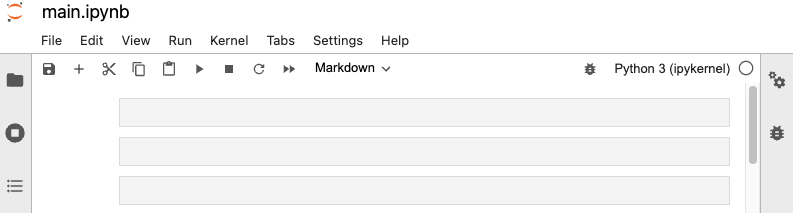
After you click the “Start Lab” button, you will see a Jupyter Notebook, where you will be performing further steps in the lab. You should have a jupyter notebook that looks like this:
Before you end the lab, make sure you’re satisfied that you’ve completed all the tasks, and follow these steps:



此内容目前不可用
一旦可用,我们会通过电子邮件告知您

太好了!
一旦可用,我们会通过电子邮件告知您


一次一个实验
确认结束所有现有实验并开始此实验
完成此快速步骤即可开始实验。