Este laboratório pode incorporar ferramentas de IA para ajudar no seu aprendizado.
Introduction
In this lab, you will open a notebook environment to practice using functions and other syntax to import and parse text files in Python. You’ll be presented with a security scenario to explore throughout the lab. You’ll prepare a security log file for analysis and create a text file with IP addresses that are allowed to access restricted information.
What you'll do
Let's test our knowledge by playing around with some text files!
Disclaimer: For optimal performance and compatibility, it is recommended to use either Google Chrome or Mozilla Firefox browsers while accessing the labs.
Start your lab
You'll need to start the lab before you can access the materials. To do this, click the green “Start Lab” button at the top of the screen.

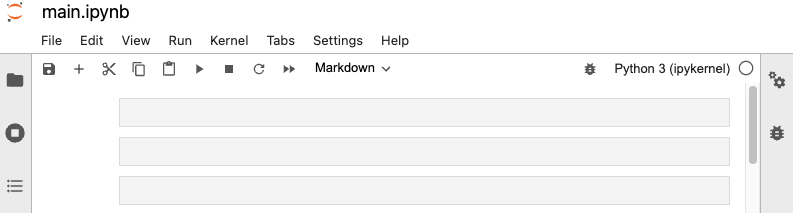
After you click the “Start Lab” button, you will see a Jupyter Notebook, where you will be performing further steps in the lab. You should have a jupyter notebook that looks like this:
End your lab
Before you end the lab, make sure you’re satisfied that you’ve completed all the tasks, and follow these steps:
- Click End Lab and then click Submit. Ending the lab will remove your access to the Jupyter Notebook. You won’t be able to access the work you've completed in it again.