
始める前に
- ラボでは、Google Cloud プロジェクトとリソースを一定の時間利用します
- ラボには時間制限があり、一時停止機能はありません。ラボを終了した場合は、最初からやり直す必要があります。
- 画面左上の [ラボを開始] をクリックして開始します

In this lab, you will open a notebook environment to practice using functions and other syntax to import and parse text files in Python. You’ll be presented with a security scenario to explore throughout the lab. You’ll prepare a security log file for analysis and create a text file with IP addresses that are allowed to access restricted information.
Let's test our knowledge by playing around with some text files!
You'll need to start the lab before you can access the materials. To do this, click the green “Start Lab” button at the top of the screen.
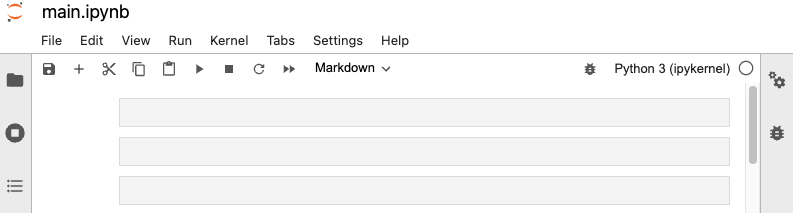
After you click the “Start Lab” button, you will see a Jupyter Notebook, where you will be performing further steps in the lab. You should have a jupyter notebook that looks like this:
Before you end the lab, make sure you’re satisfied that you’ve completed all the tasks, and follow these steps:



このコンテンツは現在ご利用いただけません
利用可能になりましたら、メールでお知らせいたします

ありがとうございます。
利用可能になりましたら、メールでご連絡いたします


1 回に 1 つのラボ
既存のラボをすべて終了して、このラボを開始することを確認してください
ラボを開始するには、この簡単な手順を完了してください。