Introduction
Python is a high-level, general-purpose programming language. Its design philosophy emphasizes code readability with the use of significant indentation. Python is dynamically typed and garbage-collected. It supports multiple programming paradigms, including structured, object-oriented and functional programming.
You will learn about the Python recursion in this lab. Python recursion is a programming technique where a function calls itself to solve a problem by breaking it down into smaller, similar sub-problems. This process continues until a base case is reached, at which point the function starts returning values, and these returned values are combined to obtain the final result. Recursion is often used to solve problems that can be divided into smaller, identical sub-tasks, making the code more elegant and concise in certain situations.
Disclaimer: For optimal performance and compatibility, it is recommended to use either Google Chrome or Mozilla Firefox browsers while accessing the labs.
Setup and requirements
Before you click the Start Lab button
Please go through these directions. The Labs have a time limit and cannot be paused. The timer begins when you click the Start Lab button, shows how long Google Cloud resources will be made available to you.

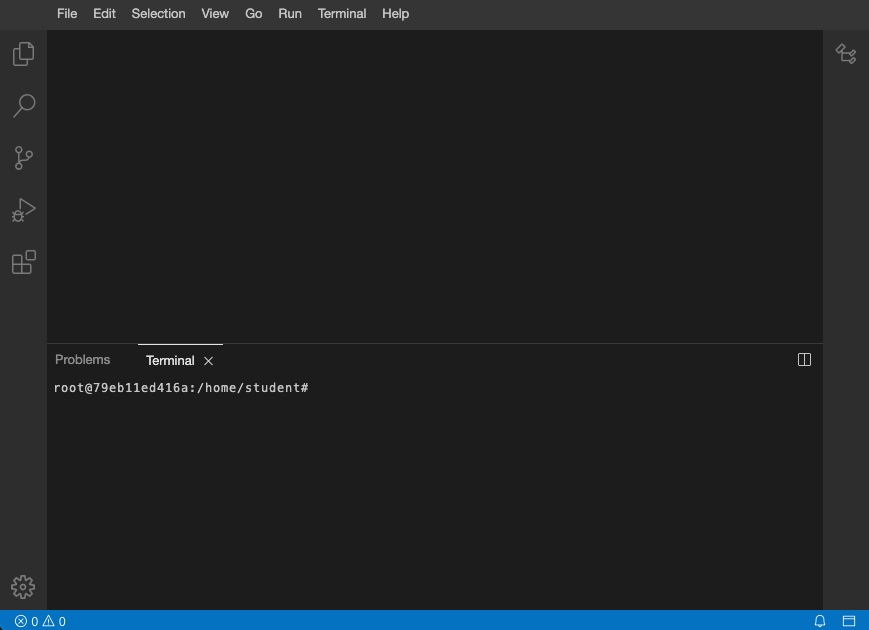
After you click the Start Lab button, you will see an editor and terminal, where you will be performing further steps in the lab. It should looks like this:
Overview
You are going to finish a series of tasks related to Python programming.
Access pre-created files
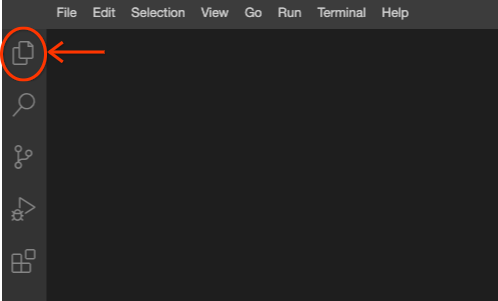
- Click the files icon as shown below to access the pre-created files.
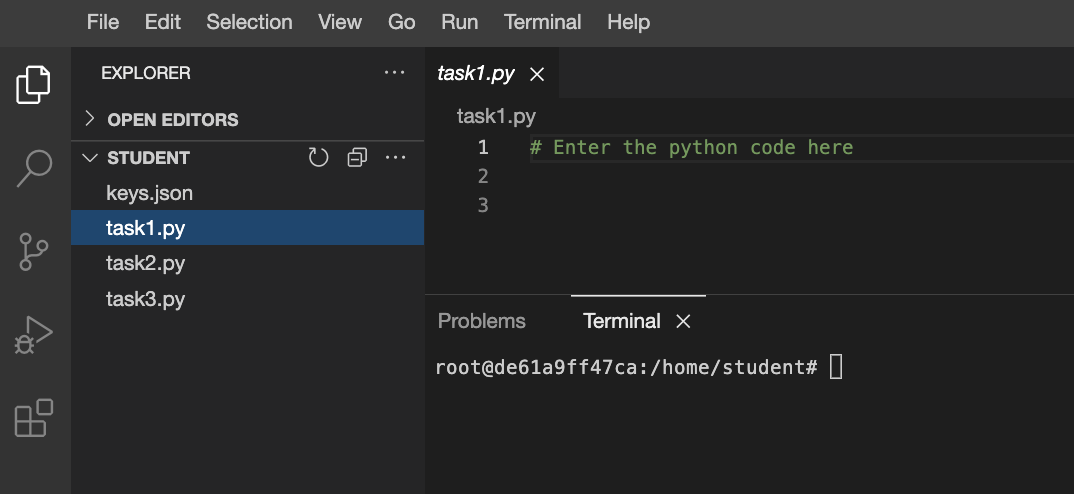
- Each pre-created file has the prefix
task as shown below. You will need to use these files to complete the tasks in the lab.
What you need
To complete this lab, you need:
- Access to a standard internet browser (Chrome browser recommended).
- Knowledge about Python Programming
- Time to complete the lab.
Task 1
Fill in the blanks to make the is_power_of function return whether the number is a power of the given base.
Note: base is assumed to be a positive number.
Tip: for functions that return a boolean value, you can return the result of a comparison.
def is_power_of(number, base):
# Base case: when number is smaller than base.
if number < base:
# If number is equal to 1, it's a power (base**0).
return ___
# Recursive case: keep dividing number by base.
return is_power_of(___, ___)
print(is_power_of(8,2)) # Should be True
print(is_power_of(64,4)) # Should be True
print(is_power_of(70,10)) # Should be False
-
Click the files icon to access the pre-created file.
-
Open the pre-created task1.py file, by clicking on the file name.
-
Replace the (___) with the missing code into the above function.
-
Execute the code by entering the following command in the terminal.
python task1.py
Task 2
The count_users function recursively counts the amount of users that belong to a group in the company system, by going through each of the members of a group and if one of them is a group, recursively calling the function and counting the members. The following code has a bug!
def count_users(group):
count = 2
for member in get_members(group):
count += 1
if is_group(member):
count += count_users(member)
return count
print(count_users("sales")) # Should be 3
print(count_users("engineering")) # Should be 8
print(count_users("everyone")) # Should be 18
-
Click the files icon to access the pre-created file.
-
Open the pre-created task2.py file, by clicking on the file name.
-
Write the following code at the location marked by the #TODO comment in the task2.py file.
-
Identify the bug on the above code and fix the problem.
-
Execute the code by entering the following command in the terminal.
python task2.py
Task 3
Implement the sum_positive_numbers function, as a recursive function that returns the sum of all positive numbers between the number n received and 1.
For example - when n is 3 it should return 1+2+3=6, and when n is 5 it should return 1+2+3+4+5=15.
def sum_positive_numbers(n):
return 0
print(sum_positive_numbers(3)) # Should be 6
print(sum_positive_numbers(5)) # Should be 15
-
Click the files icon to access the pre-created file.
-
Open the pre-created task3.py file, by clicking on the file name.
-
Complete the above python code that returns the expected output.
-
Execute the code by entering the following command in the terminal.
python task3.py
Congratulations!
You have successfully completed the tasks related to Python Programming.